Research, wireframes, interface design and clickable prototypes for websites and web apps. Every screen is handed to developers at the next desk, so the design you approve is the one that goes live.
from brief to a live 3D configurator for ORTHO-TEAM: interface, front end, API, database and admin panel.
1 PDF
records each ORTHO-TEAM configuration, and the customer, the manager and production all work from the same file.
Figma to code
the Wonder Spark site was designed in Figma and built on custom PHP by the same team, six-step booking request included.
Industries
Who we work with
A dental booking flow or a B2B configurator: every screen is designed around the one action it exists for.
Moving companiesQuote requests from people already planning a move
Appliance repairCalls for every appliance type and city you cover
HVACEmergency and replacement jobs, season after season
PlumbingThe call that comes the minute something leaks
Roofing & remodelingEstimate requests for the jobs worth quoting
ConstructionContracts from buyers who search before they call
Landscaping & lawn careSeasonal demand captured in your service area
Cleaning servicesRecurring clients on a schedule you can plan around
Auto repairDrivers looking for a shop near them, right now
Dental practicesNew patient bookings from local search
Medical clinicsAppointments for every service you offer
Beauty & salonsA booked calendar from your own neighborhood
Fitness & wellnessMemberships from people ready to sign up
E-commerceProduct pages that rank and sell in all 50 states
Restaurants & foodFound on the map before the table is booked
Law firmsCase inquiries from high-intent searches
Real estateBuyers and sellers who start on Google
Pet servicesOwners searching for care close to home
Logistics & deliveryShippers comparing providers before they commit
B2B servicesLonger sales cycles, tracked to the first click
Education & trainingEnrollments from parents and students searching
Not on the list? The playbook is the same — tell us your niche and we'll show how buyers search for it.
What we design
UX/UI design services we provide
Every project includes research, real-content designs and a handoff your developers can build from.
01 / 06
01
Research & audit
Before anyone opens Figma, we find out where people get stuck on your current site and what they came there to do.
UX audit of your current site or app
Analytics, heatmaps and session recordings
User interviews and short surveys
Competitor and pattern review
02
Wireframes & flows
We map every path from arrival to action, then draw low-fidelity screens so structure is agreed before color.
User flows for each key task
Site maps and content structure
Low-fidelity wireframes for every template
Real copy in the design from the first draft
03
UI design & design systems
High-fidelity screens in your brand, built from one set of components so every new page matches the last one.
Interface design for web and mobile screens
Color, type and spacing tokens
Component library with every state
Accessibility checked against WCAG AA
04
Prototyping
Clickable prototypes let you and your customers try the flow before a line of code is written.
Clickable Figma prototypes
Responsive layouts for phone, tablet and desktop
Motion and interaction specs
Stakeholder walkthroughs on the prototype
05
Design‑to‑code handoff
Designs go to developers as a file they can build from, with every measurement, state and asset in it.
Dev-ready Figma files with specs
Exported assets and icon sets
Build by our developers, or a handoff to yours
Design QA on the live site before launch
06
Conversion optimization
After launch, we keep watching where people drop off and redesign the screens that cost you the most.
Funnel and drop‑off analysis
Landing page and form redesigns
A/B tests on layout and copy
Monthly readout of what changed and why
Process
How we work
Six steps from the first call to a design your developers can build, and each one says who on our side does the work.
01Step
01
Discovery
We start with a call about what you sell, who uses the site and which action matters most on it. You show us the current site and what has already been tried.
You get: a written brief with goals and the screens in scope.
DesignerStrategist
02
Research
We read your analytics and recordings, talk to real users and review the competitors your buyers compare you with. Whatever stops the next step lands on one list.
You get: a findings list, ranked by what each fix is worth.
DesignerAnalyst
03
Structure
We map the flows and draw low-fidelity wireframes for every template. Structure and copy get agreed here, where a change costs minutes.
You get: approved wireframes and a site map.
DesignerStrategist
04
Design
High-fidelity screens in your brand, with real content and every state drawn. Components go into a design system, so page ten looks like page one.
You get: final designs and a component library in Figma.
Designer
05
Test
You and a few of your customers click through a prototype. Whatever confuses them gets fixed in the design before development starts.
You get: a tested prototype and the list of changes it produced.
DesignerAnalyst
06
Handoff
Developers at the next desk build from the file, and the designer reviews the live pages before launch. If your team builds, they get the same file and review.
You get: dev-ready files and a design QA pass on the live site.
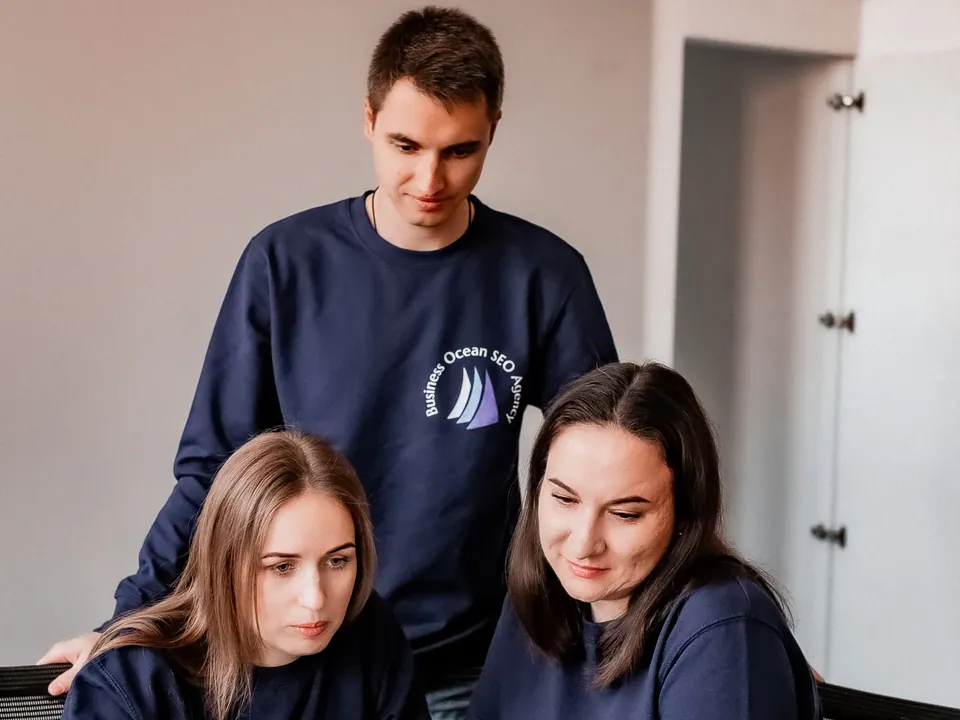
Aleksei, our in‑house designer, sits next to the developers who build the site. Questions get answered across a desk, and the design you approve is the one that ships.
Decisions from data
Layouts follow what your analytics, session recordings and users show us, so every change to a screen can be traced back to a reason.
Systems, so page ten looks like page one
Every project ends with a component library. New pages get built from it months later and still match the ones you approved.
3
Weeks to a live 3D configurator
The ORTHO-TEAM configurator went from brief to a live tool on ortho-team.ch in three weeks: interface, front end, API, database and admin panel.
One roof
Other services we offer
A design is finished when it is live and measured. The developers who build it, the ads that send people to it and the SEO that brings them back all sit in the same room.
Your Figma files stay in your own workspace and you keep full access. Also in the kit: Google Fonts · Lucide icons · Loom for walkthroughs
Free · no obligations · answer within 24h
Get a free UX review of your site
Send the URL, or share the Figma file, and we'll come back with a written list of what stops people from converting and the first changes we would make. Real screens and real notes, from a designer who will actually work on it.
No spam100% confidential
Who you will hear fromAnna BarabashCEO · Marketing Strategist
Request received! We'll get back to you within 24 hours with the first notes on your screens.
Straight answers
Questions about design work
If yours is not here, ask it directly — a real person answers within 24 hours.
Both. Marketing sites, online stores, booking flows, customer portals and web apps such as the 3D configurator we designed and built for ORTHO-TEAM. The method is the same: find the one action each screen exists for and design around it.
Do I need research, or can we go straight to design?
If you already have analytics, recordings and a clear brief, research can be a short audit of a few days. If nobody knows why people leave, guessing in Figma is the expensive way to find out. We tell you which case you are in on the first call.
What do I receive at the end?
A Figma file with every screen in every state, a component library with color, type and spacing tokens, a clickable prototype and a handoff document your developers can build from. Exported assets and icons come with it. The files live in your own workspace.
Can my own developers build your designs?
Yes. The handoff file is the same one our developers use, with measurements, states and assets in it. We stay available for questions during the build and review the live pages before launch, so what ships matches what you approved.
Do you redesign existing sites?
Yes, and it is most of what we do. A redesign starts with what the current site already tells us: which pages people land on, where they leave and what they searched for. Wonder Spark came to us with a site that got paid clicks and few form fills; we designed the new one in Figma and built it, with a six-step booking request at the center.
How long does a design project take?
It depends on the number of templates and how much research is needed, and we give you a schedule after the first call. For scale: the ORTHO-TEAM 3D configurator went from brief to a live tool in three weeks, interface and code together, with the 3D models supplied by the client.
Do you follow our brand guidelines?
Yes. If you have a brand book, the design system is built from it: your colors, type and voice become the tokens and components. If you have a logo and little else, we set the visual rules with you and write them down, so the next agency or hire can follow them.
What is a design system and do I need one?
A design system is the set of components and rules every screen is built from: buttons, forms, cards, type, color and spacing, each with its states. You need one if the site will grow after launch. It is the reason page ten looks like page one, and it makes a new page a morning of work instead of a new design project.
Do you test designs with real users?
Yes. Before development, you and a few of your customers click through a prototype and we watch where they hesitate. After launch, session recordings and heatmaps show what real visitors do on the live pages, and the screens that lose people get redesigned first.
Hi! I'm the Business Ocean assistant. Ask me about SEO, ads, social media, web development or design — or tell me what you're working on.
Business OceanOnline
Contact our team
Leave your contact details and we will get back to you as soon as we can.






 Moving companies
 Appliance repair
 HVAC
HVAC
 Plumbing
 Roofing & remodeling
 Construction
 Landscaping & lawn care
 Cleaning services
 Auto repair
 Dental practices
 Medical clinics
 Beauty & salons
 Fitness & wellness
 E-commerce
 Restaurants & food
 Law firms
 Real estate
 Pet services
 Logistics & delivery
 B2B services
 Education & training


